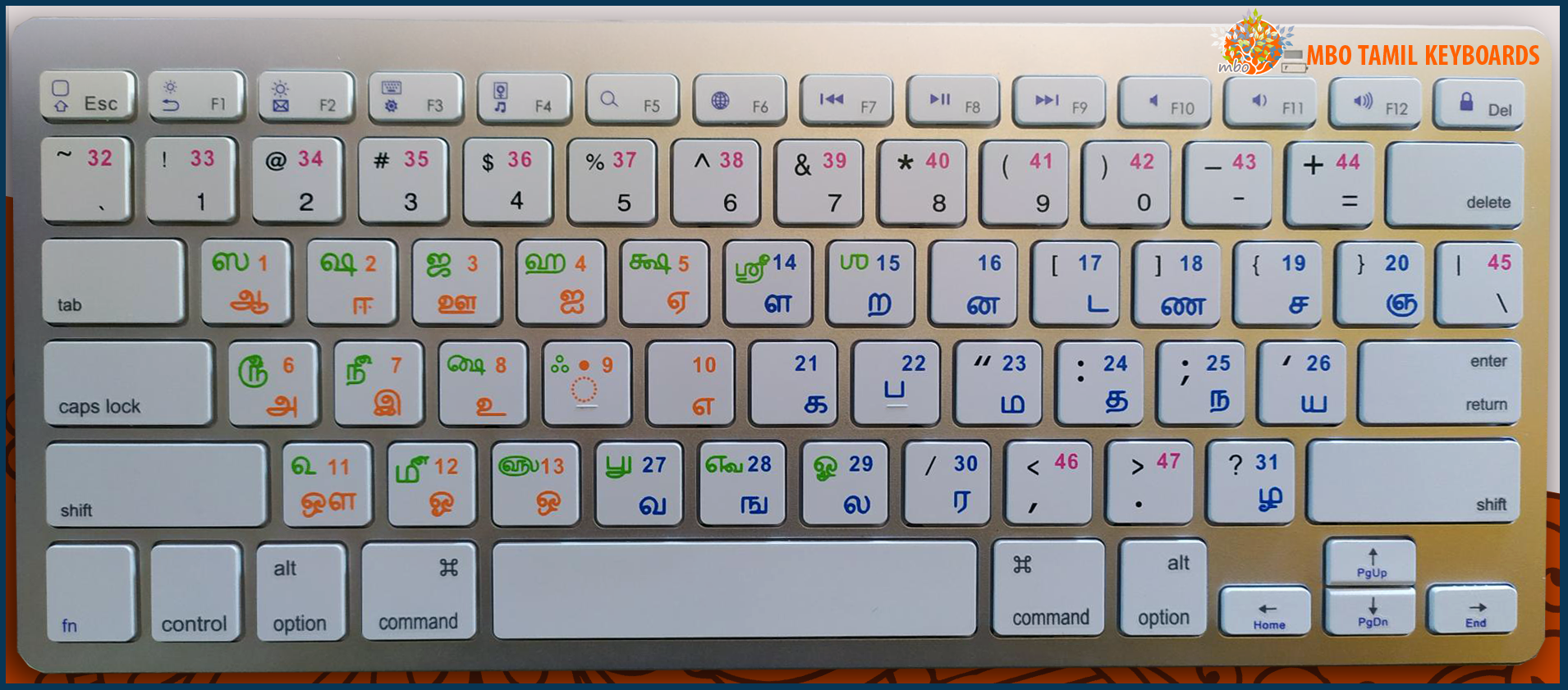
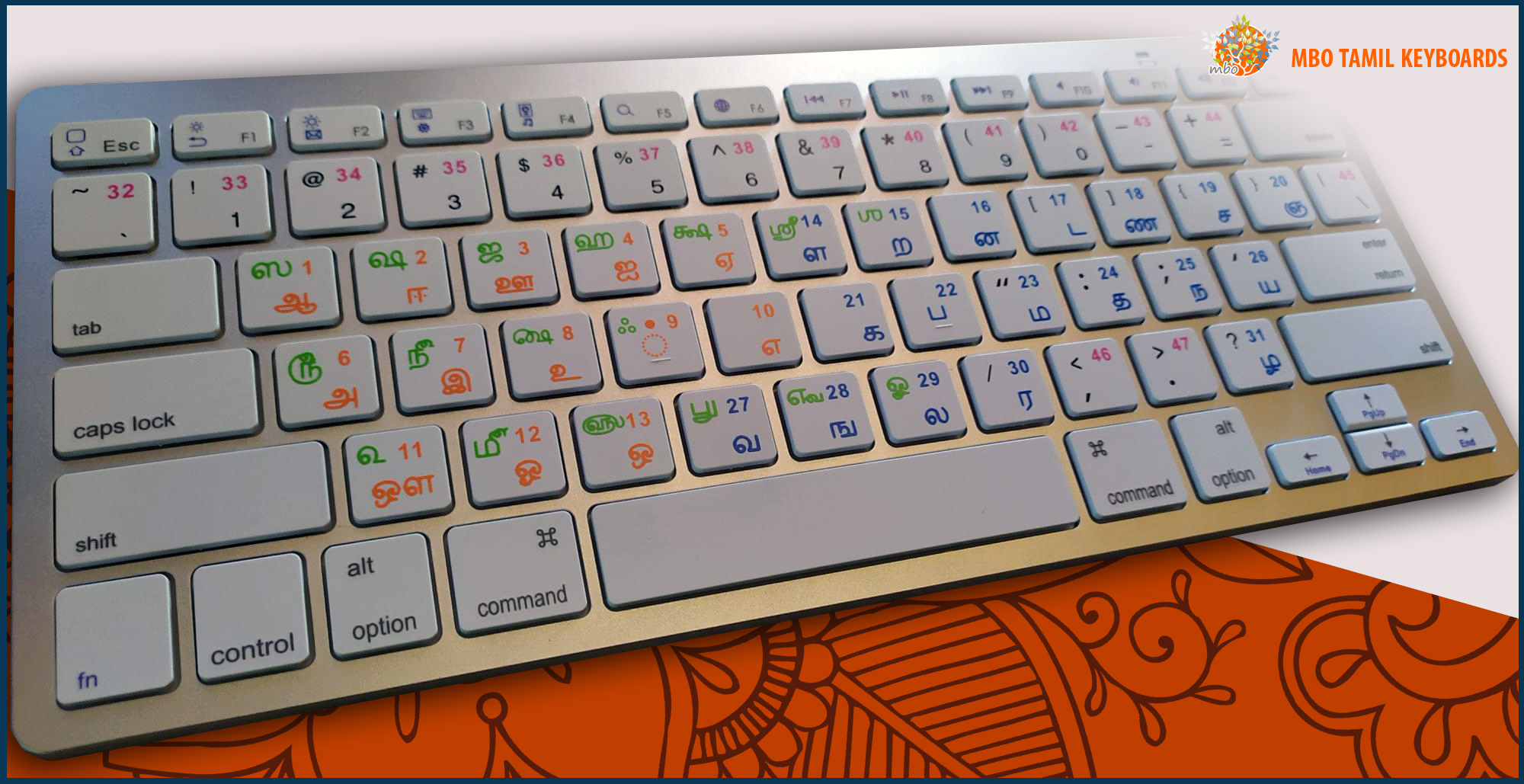
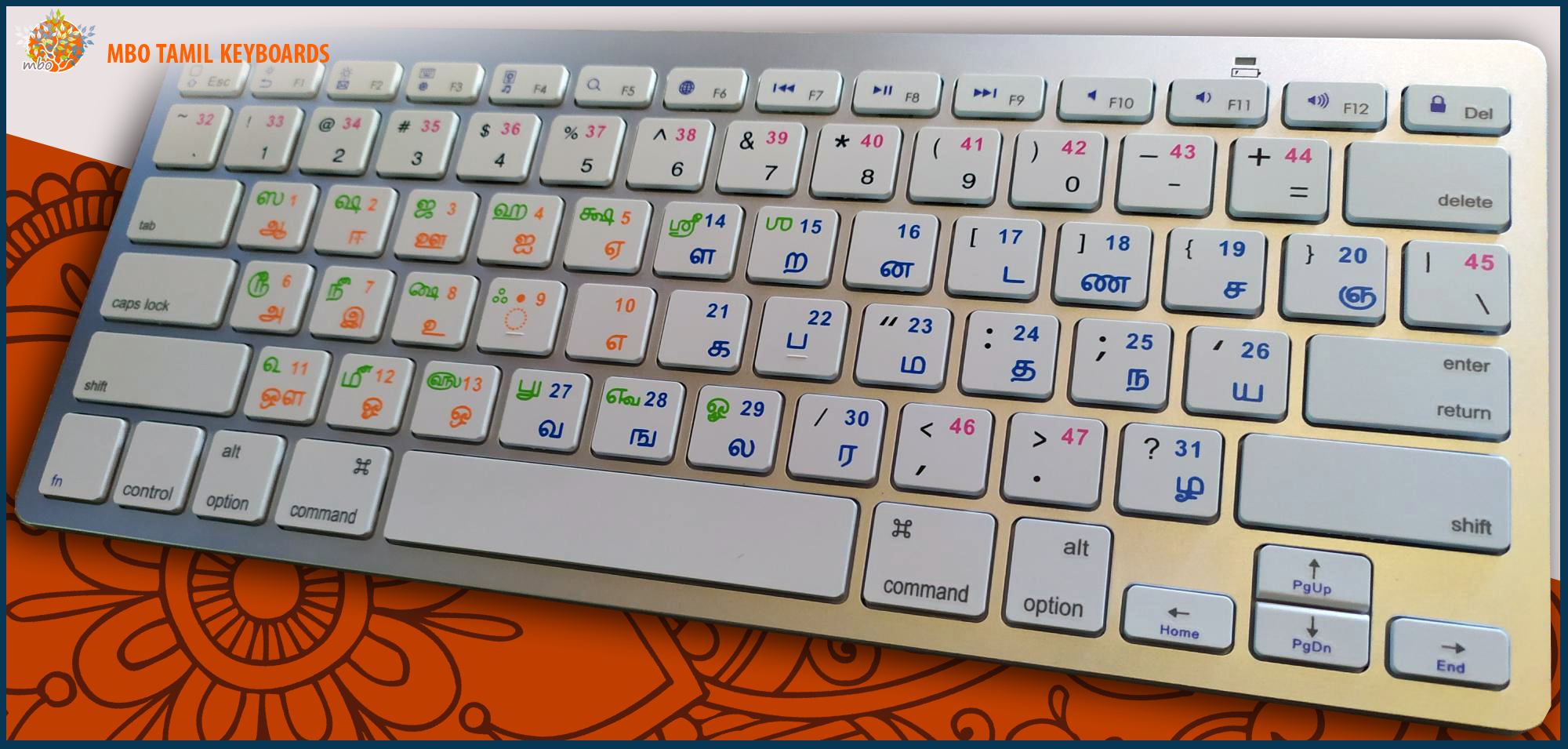
### First : Setup the Tamil typing language ( You need to do this only once - 5 min. )
- Here we are under Windows 11
- You can also setup the language Tamil99 on Mac or Linux as well
- The process is mostly the same
- So, click on the "Windows" button on the task bar
- Then click on the "Settings" button
- Then click on the "Time & Language" button
- Then click on the "Language & region" Button
- Then click on "Add Language"
- Then type the "Tamil Sri Lanka" language name
- Then click on the language and click on "Next" button
- Then click on the "Install" button
- You must see a "ENG" button on the task bar, close to the watch, on the bottom right side of the screen
- If you click on the "ENG" button you can choose the typing language (leave the English language for the moment)
### Second : Link the Bluetooth Tamil Keyboard to the computer ( You need to do this only once - 5 min. )
- Your computer must have a Bluetooth usb doogle or a built in interface
- So, click on the "Windows" button on the task bar
- Then click on the "Settings" button
- Then click on the "Bluetooth & devices" button
- Then switch on the Bluetooth with the "On" button
- Then click on "Add device" button
- Then click on "Bluetooth (..., keyboards, ...)" button
- Then switch on the white button, on the rear side of the keyboard
- Then press once the small black button, on the rear side of the keyboard
- Once connected, click on then "Done" button
- If you can't setup the Keyboard, cantact me, we will do it by WhatsApp video call., all in 15 min.
### Third : Select the Tamil typing language
- Select Any Programm you need (Internet Browser, Office 365 Word, Adobe Photoshop, Autocad, ...)
- Click on the "ENG" button on the task bar, close to the watch, on the bottom right side of the screen
- Then click on the "Tamil99" typing language
### Forth : Start typing in Tamil, with your Tamil Bluetooth Keyboard
- When you have finished typing in Tamil, you can switch to the English typing language with the button on the task bar, close to the watch, on the bottom right side of the screen